Latest article
Welcome to Snippet
Your writing, your repository, your website
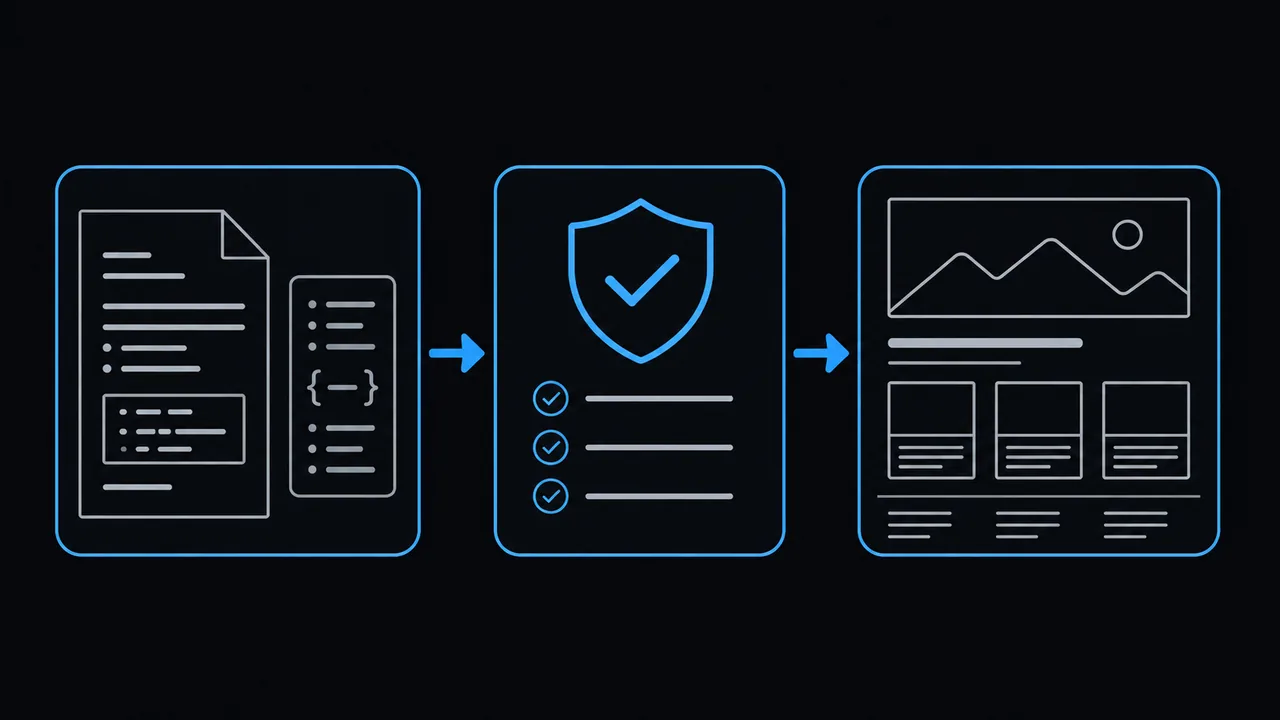
Snippet turns Markdown and a little metadata into a complete static website. It is made for one author: a personal notebook, a home for projects, or a place to publish what you learn.
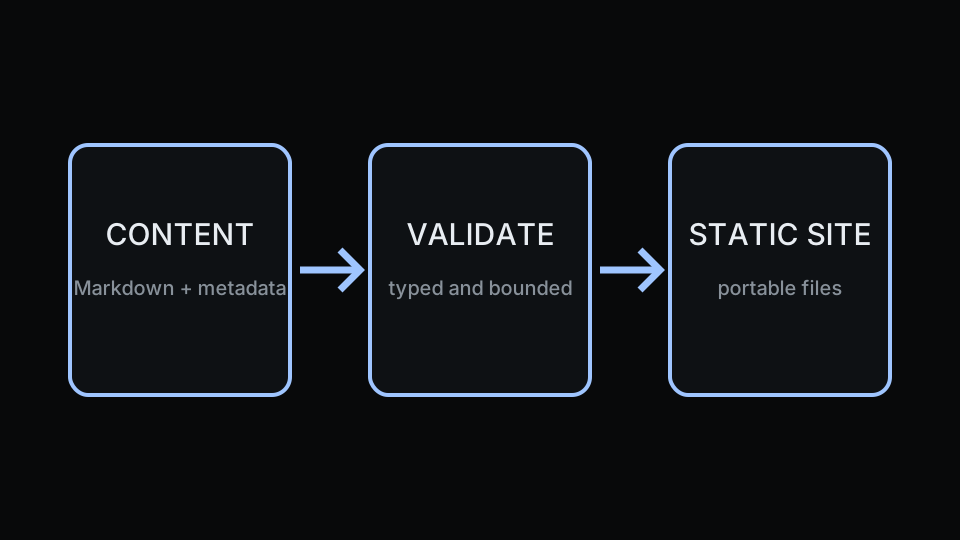
Keep the source in your own public or private Git repository. Use the official Docker image to preview and build. Publish the resulting public/ directory to GitHub Pages or another static host. Your live website needs no PHP, database, or application server.
What you can do with Snippet
- Publish your writing. Create permanent pages and dated articles, organize them with tags, attach files, and add an optional article cover. Your newest article appears in full on the homepage.
- Ask a coding agent to help. The bundled authoring skill guides your agent through creating pages and articles, updating configuration, and customizing your website's styles. See example requests.
- Give the site your own identity. Customize colors, typography, spacing, fonts, favicon, and footer profile links. The starter includes Snippet Logo, a custom header font created specifically for this project. Explore the theme.
- Read comfortably. The theme includes light and dark modes, responsive navigation, keyboard controls, and print styles.
- See changes as you write. Local preview reloads after valid edits and keeps the last working build when an edit fails validation.
- Share your pages. Canonical URLs and Open Graph and Twitter/X metadata are generated for you. Covered articles include their cover in the social metadata; a themed 404 page handles missing routes on compatible hosts, and
llms.txtlists article and page metadata for language-model readers. - Host ordinary files. Build with the official Docker image and publish with the example GitHub Actions workflow or another static host. Your content can stay in your own public or private repository.
A small publishing loop
Write by hand or ask your coding agent to help. Create a page or article, preview it locally, and push your source. A GitHub Actions workflow can validate, build, and publish every accepted change. Snippet checks your metadata, Markdown, and internal links before replacing the last working build.
The writing stays yours. Content and optional assets live together in readable directories, custom styles belong in site/site.css, and the builder stays in its versioned image. You can rebuild the generated site whenever you need it.
Start here
These guides are the demo's articles. Reading them shows the same pages, code blocks, tags, links, and layout that your own site uses.
- Start your own site with Docker and a first page.
- Write pages and articles with metadata, tags, links, and optional covers.
- Configure your site identity, URL, navigation, and footer.
- Make the theme yours with stable CSS tokens and light/dark palettes.
- Preview and validate as you write.
- Publish your site with a complete workflow for your own repository.
- Work with a coding agent to write content, configure the site, and customize its styles.
Is Snippet a good fit?
Choose it if you like Markdown, Git, a small set of rules, and a website you can host as ordinary files. It includes pages, articles, tag archives, a live preview, accessible theme controls, and an optional cover for each article.
It intentionally leaves out search, feeds, pagination, draft flags, template overrides, and extra content types. There is no administration panel or multi-author workflow. The goal is to keep personal publishing understandable and enjoyable.
The project repository contains the complete reference and source. About Snippet explains why it exists. To see how attachments travel with an article, open this illustration or plain-text example.